Work without middlemen
The farm itself writes whom it needs. The request lands in your cabinet — nobody stands between you.

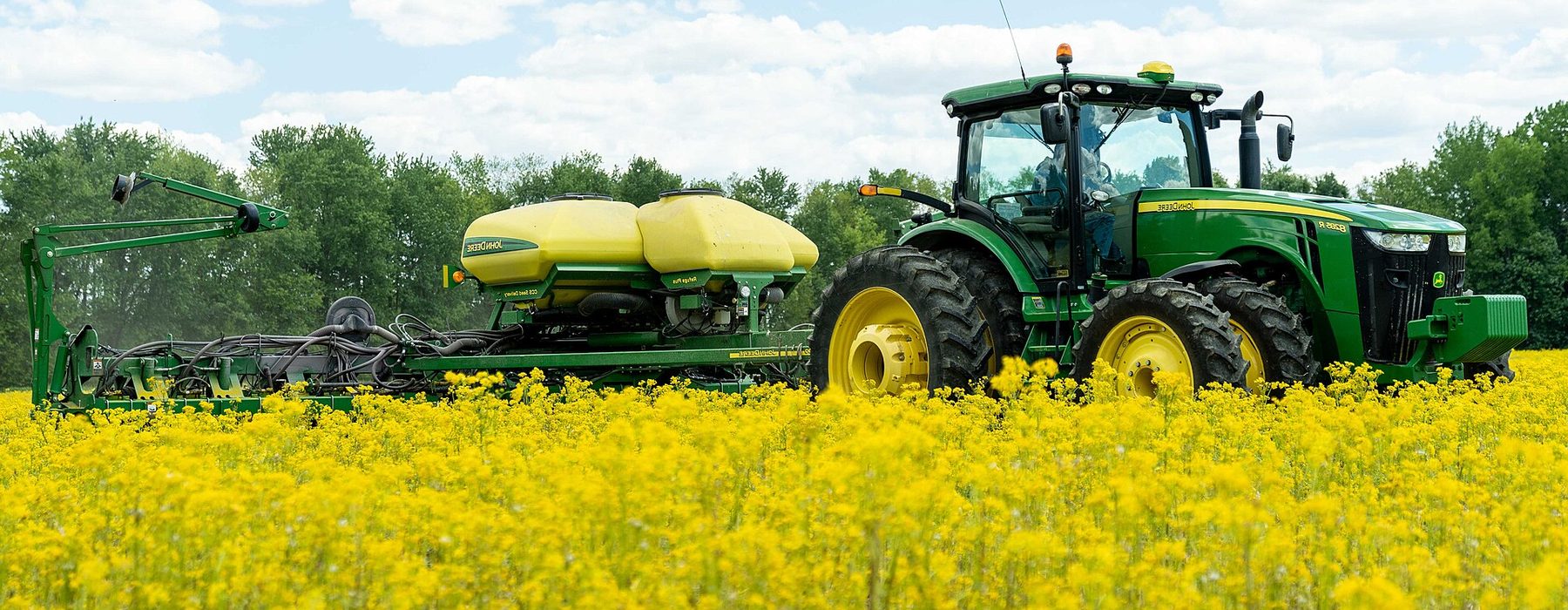
April–May
Tractor operators, seeding complex operators, fuel truck drivers
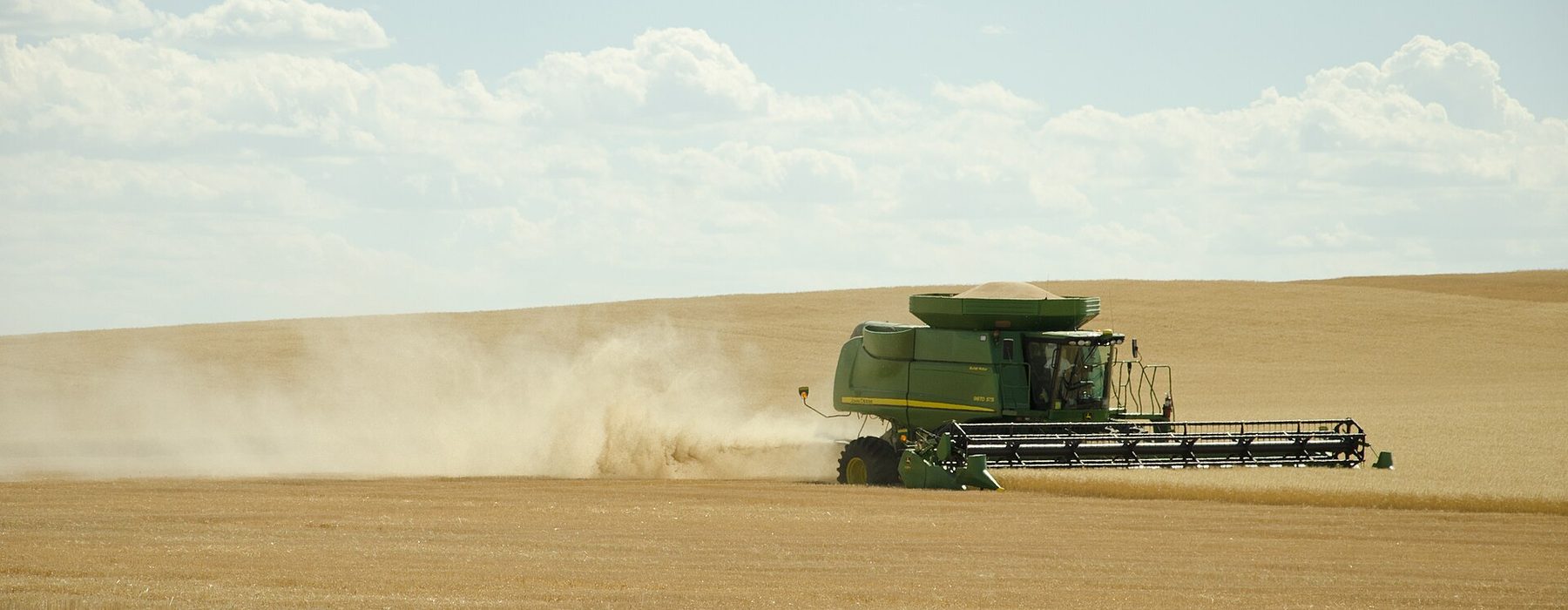
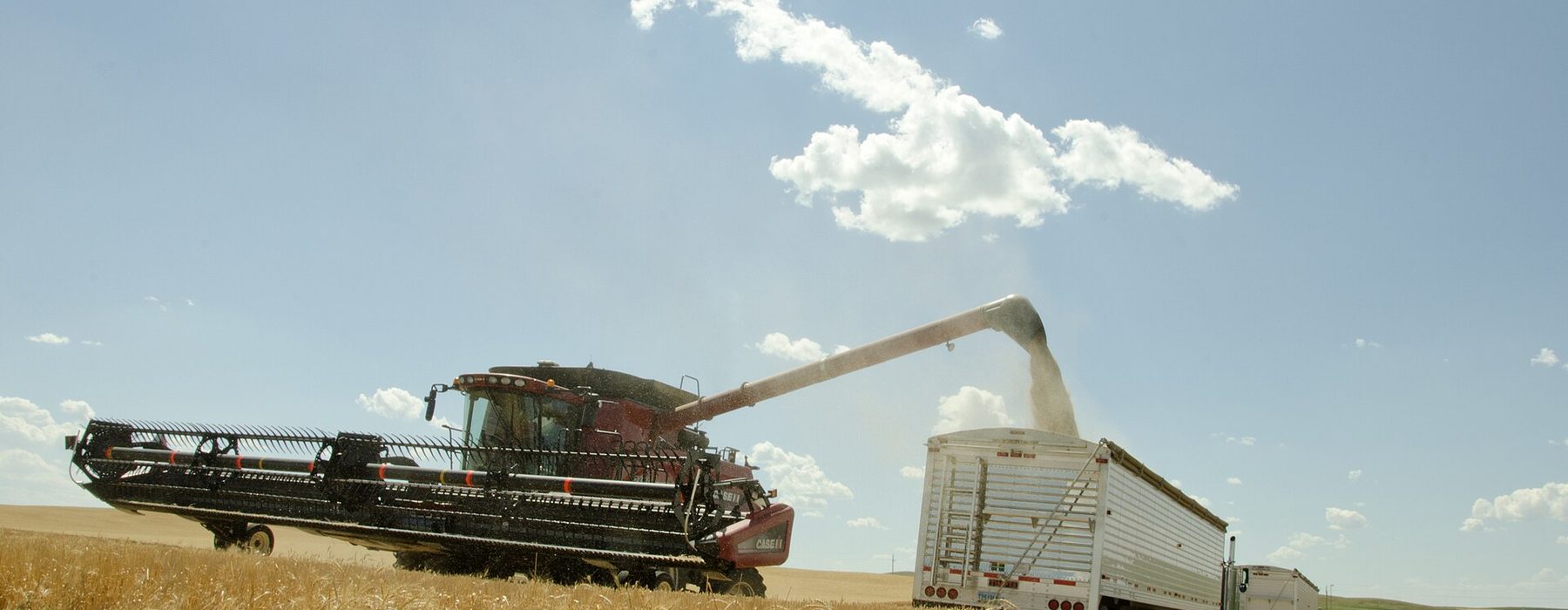
August–October
Combine operators, grain truck drivers, grain yard workers
April–October
Agronomist, mechanic, guards, field camp cook
all year
Mechanical engineer, accountant, weigher
Not a notice board, but live farm requests — with headcount, dates and place of work.
The farm itself writes whom it needs. The request lands in your cabinet — nobody stands between you.
The farm's phone opens when it picks your answer. Only the farm that picked you sees your number.
After signing in eGov Mobile you carry an «Identity verified» badge. Farms see you are real.
Sign-up, profile and answers — 0 ₸. No commission on your pay and no charge per request.
No subscription and no commission on your pay.
0 ₸
no time limit
For staff it is free: sign-up, profile and answers cost 0 ₸. No commission on your pay and no charge per request.
The signature proves you are you: name and IIN come from the certificate, not from your words. Staff confirm with a personal e-signature of an individual and only through eGov Mobile — a company or sole-trader key will not do here.
When the farm picks your answer. Until then it compares answers by rate and profile — the phone opens only to the one it chooses.
Only the farm that published the request. Others who answered do not see your answer.
Yes. Each request gets its own answer with its own rate and validity.
Join as a company and choose the Staff section: a crew, an agency or a sole trader confirms with a company or sole-trader e-signature and answers the same requests.
This spot is open for advertising